Billing/Licenses
Manage your organization's licenses, billing details, and payment methods through the Stripe-powered billing portal.
Owner Access Required
Only Organization Owners can access billing and subscription management.
Billing
Billing is only active for non-Enterprise users.
Access Billing Portal
- Navigate to Organization > Billing.
- Click Manage Billing or Billing Portal.
- You will be redirected to the secure Stripe billing portal.
From the billing portal, view your current pricing tier (FREE TIER, DEVELOPER, STANDARD, or ENTERPRISE), see your subscription renewal date and current features, review your billing history and past invoices.
Instant Access
Upgrades are applied immediately. You'll have access to new features right away.
Licenses
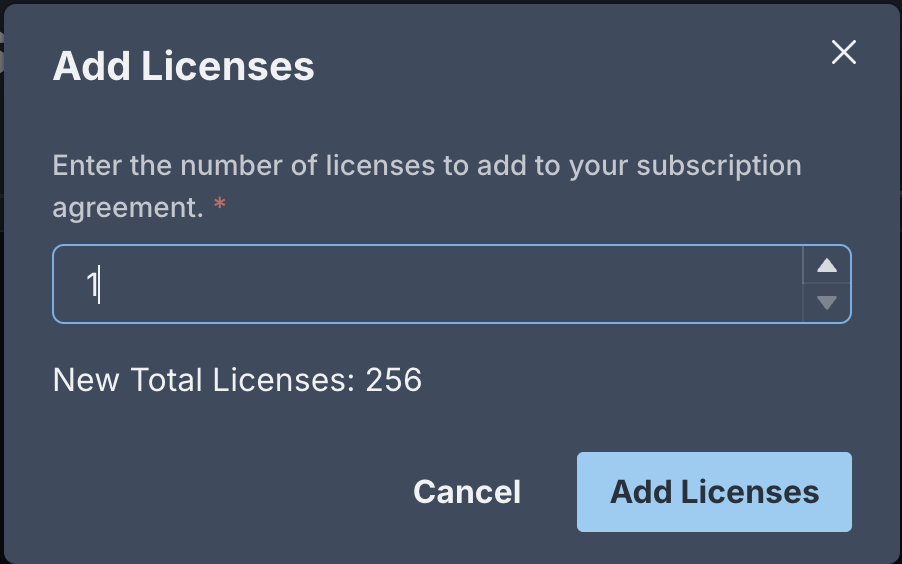
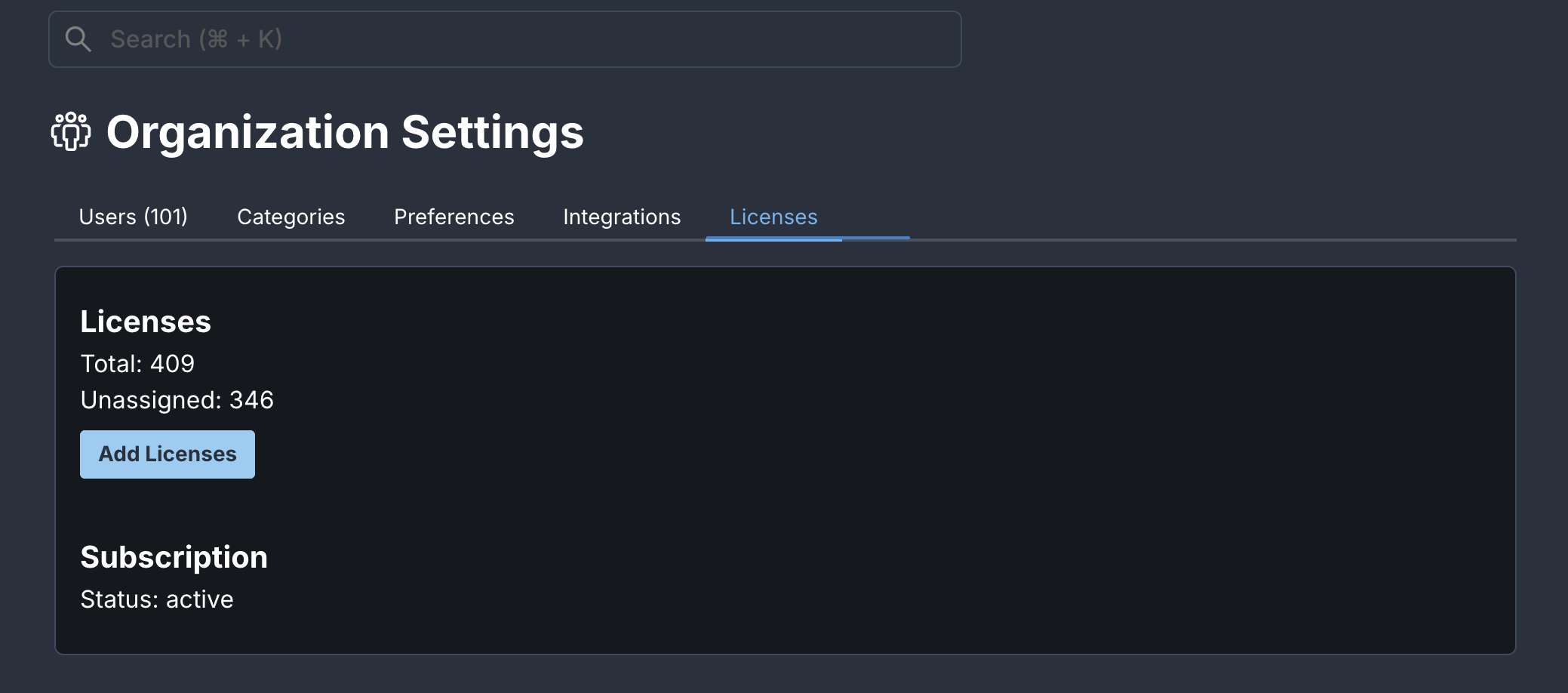
Manage the number of licenses for your organization. See the license totals and add more using the Add Licenses button.
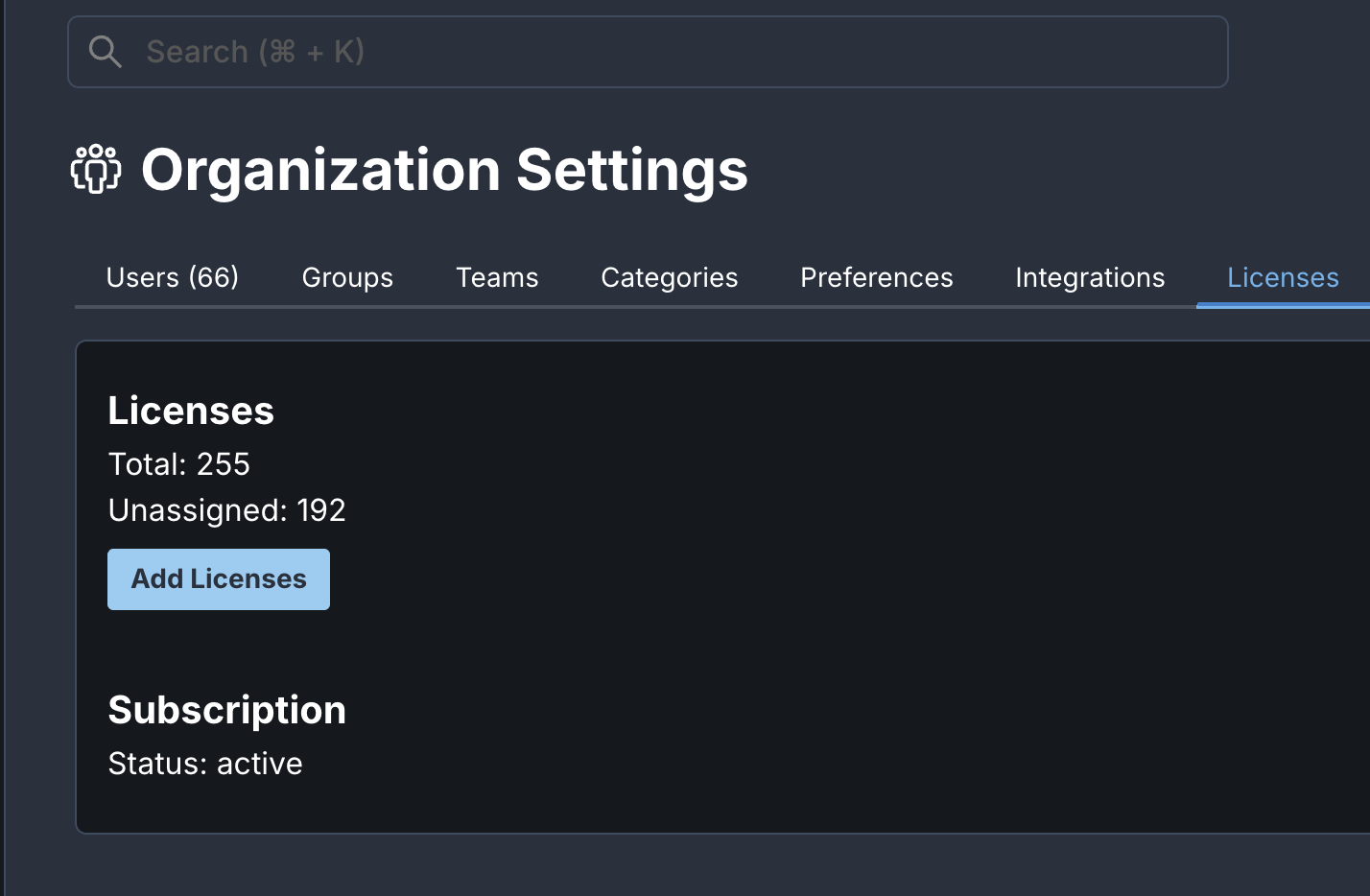
- Navigate to Organization > Licenses (or Billing/Licenses).
- Click Add Licenses
- Select the number of licenses you want to add and click Add Licenses