Users
Manage users in your organization by inviting new members, assigning roles, and controlling access permissions.
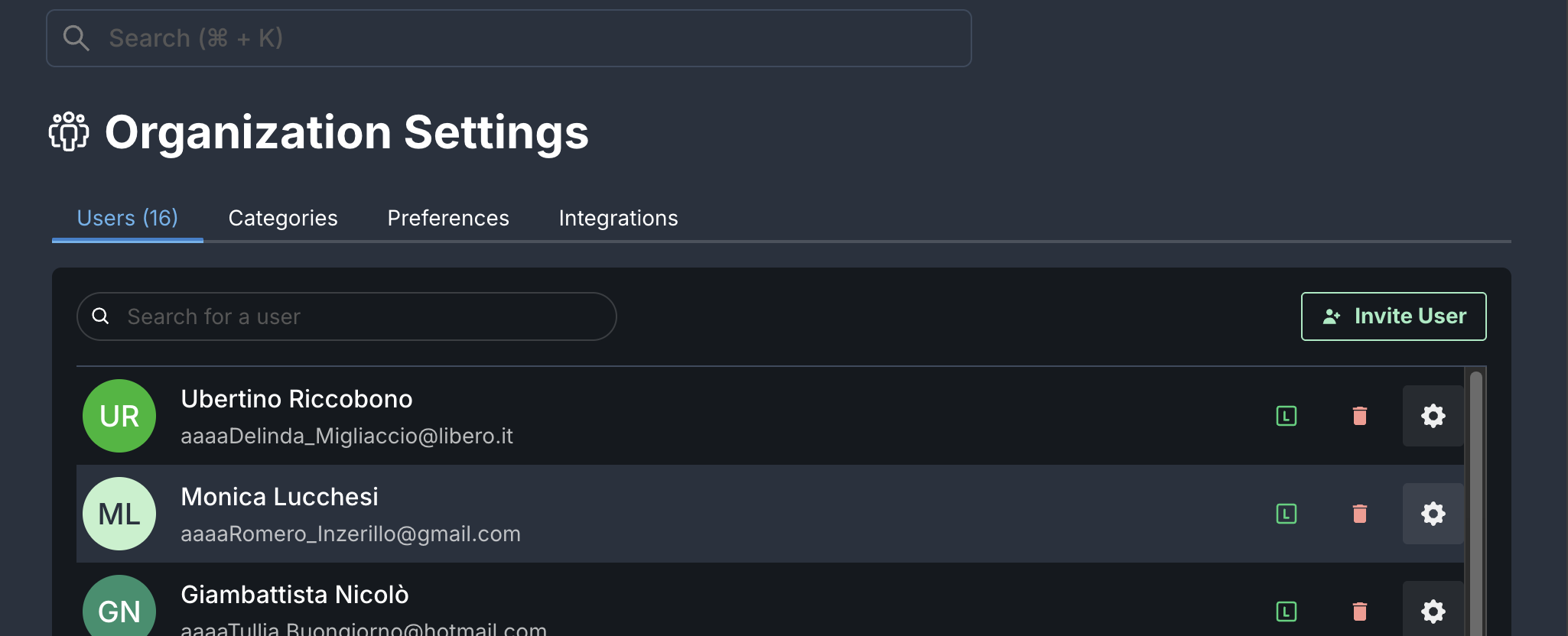
Invite Users to Your Organization
Admin/Owner Access Required
Only Organization Owners and Admins can manage users in the organization.
- Navigate to Organization > Users.
- Click Invite User.
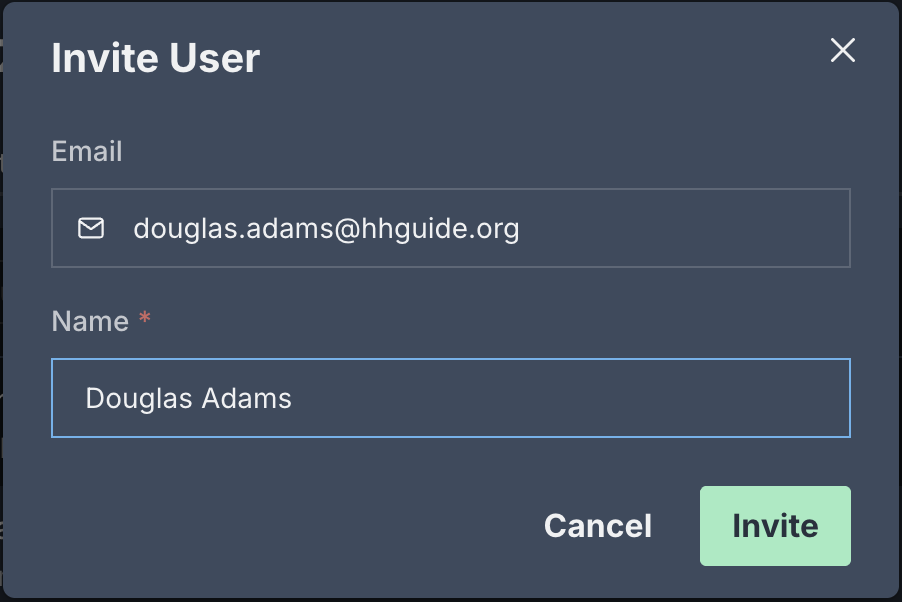
- Enter the user's email address.
- Click Invite.
Success!
The user will receive an email to join your organization.
User Roles
- OWNER: Full administrative access including billing and organization-level settings
- ADMIN: Manage users, configure settings, and oversee organization resources
- USER: Standard access for day-to-day operations like managing parts, workflows, and inventory
Remove Users
- Navigate to Organization > Users.
- Select the user you want to remove.
- Click Remove User.
- Confirm the action.
danger
Removing a user revokes their access to the organization. You can re-invite them later if needed.