Integrations
Integrate Boltline with external applications such as:
- Communication platforms for automated messaging
- ERP systems for inventory and orders
- PLM systems for importing parts
Authorize using identity providers or shared keys for authentication.
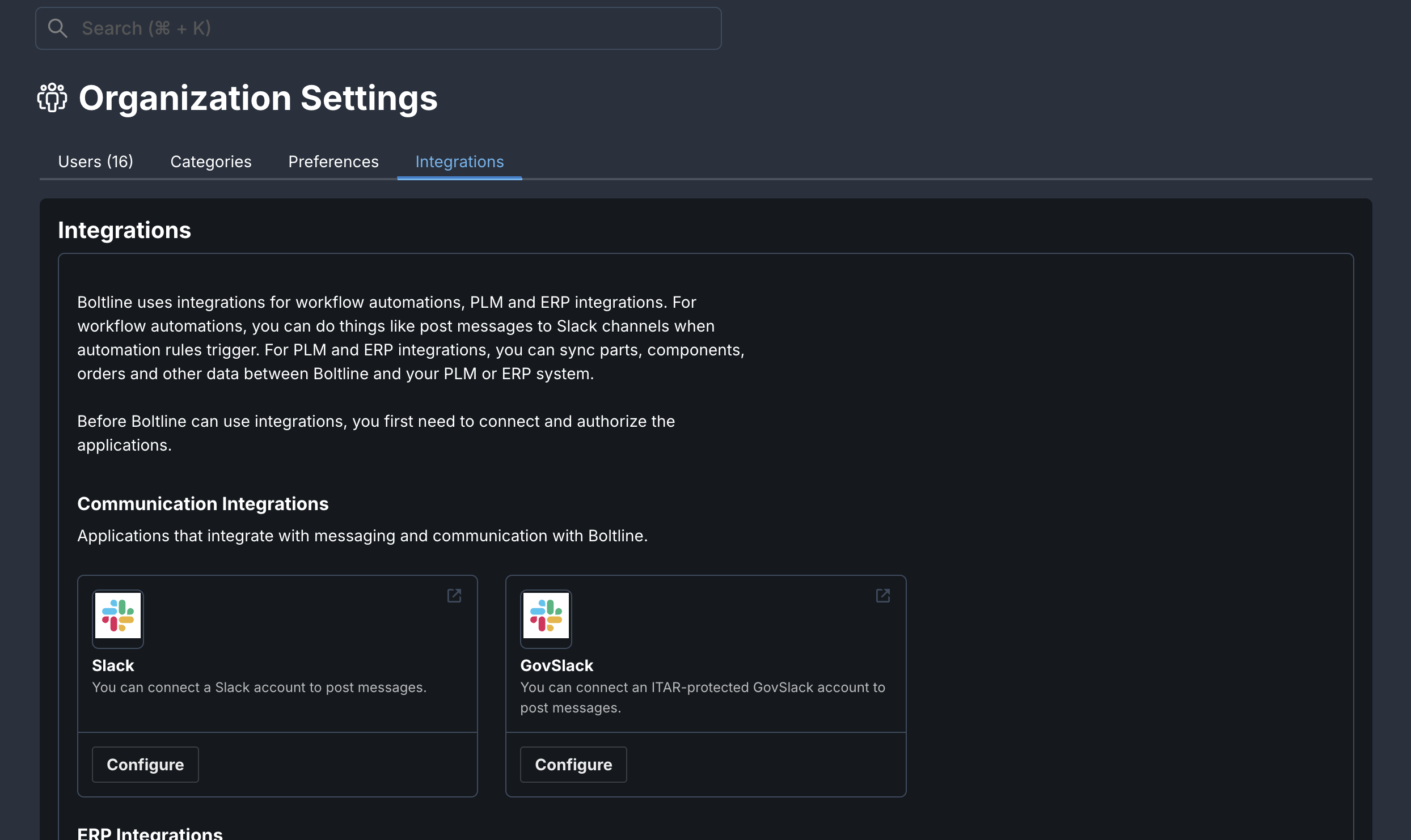
Only Organization Owners and Admins can configure integrations.
Available Integrations
Communication Integrations
Send automated messages via workflow automation rules.
ERP Integrations
Integrate Boltline with applications that manage accounting and orders.
- Acumatica - Sync inventory and orders
- Quickbooks - Accounting integration
- Xero - Financial management
PLM / CAD Integrations
Import parts and BOMs from external PLM and CAD systems into Boltline to streamline your part management workflow.
Authorizing Boltline for Integrations
Some integrating applications must authorize Boltline before the integration can function. During setup, the Authorize button will take you to the integrating application's portal for authorizing third-party apps.
- Authenticate, if necessary, and authorize Boltline with the permissions needed to perform the integration. You must have permission to authorize applications to complete this step.
- Without completing this step, the integration will not function.
- If Boltline is deauthorized in the integrating app, the integration will cease to function, and you will need to reauthorize to continue.
For a complete list of permissions required for each integration, see their respective pages. If you have questions about the rights and permissions needed for your integration, contact Customer Success.
Boltline API Access
Users may wish to query the Boltline API directly. For programmatic access to Boltline, users can generate API keys from their individual preferences. See API Keys for details on generating and managing API keys.
If you need assistance selecting or configuring an integration, please contact our Customer Success team at support@boltline.com.